In today’s write-up, I’m covering the HackTheBox machine called ‘Blocky’.
DISCLAIMER: This write-up does not include User/Root flags, nor does it reveal direct information like credentials. That said, following it will guide you to fully owning the target machine.
Why I Chose It
Although it’s extremely easy for an amateur pen-tester, I liked the “fake Minecraft” gag it has going on, and also the fact it seems to be running a genuinely valid Minecraft server.
Reconnaissance
I tend to start out my pen-tests with a rudimentary Nmap scan. No -A or fancy evasion; just going across all ports to try and get a quick idea of what’s running on the machine.
Below were the results.
Host is up (0.072s latency).
Not shown: 65530 filtered tcp ports (no-response)
PORT      STATE  SERVICE
21/tcp    open   ftp
22/tcp    open   ssh
80/tcp    open   http
8192/tcp  closed sophos
25565/tcp open   minecraft
Whenever I see FTP, I instinctually try to log in anonymously (username anonymous with no password), but it didn’t work.
I occasionally also consider leaving two terminals open in the background brute-forcing any login services, such as FTP and SSH, but that usually hogs up resources and can cause issues with HTB machines, so I chose not to. Moreover, brute-forcing is very rarely a good ROI on CTF challenges.
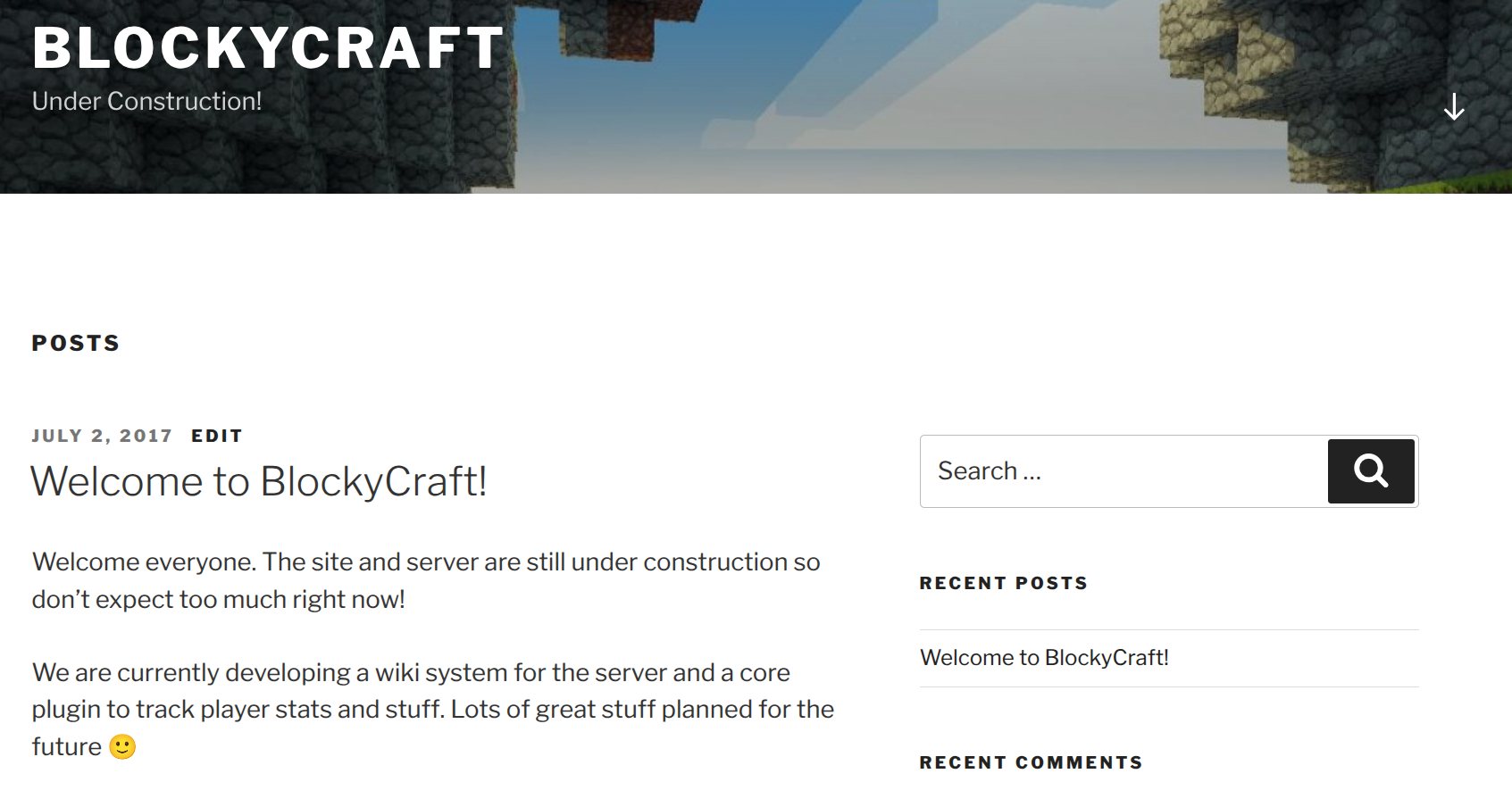
Visiting the 80 port (after adding the domain blocky.htb to our hosts file) reveals a WordPress website with little to no activity.
Enumeration
As with any web application pen-test, enumerating subdirectories is an essential step. So, I ran gobuster with a small dirbuster wordlist.
While it’s running, I performed some basic WordPress reconnaissance through wpscan and Metasploit’s WordPress Scanner module.
Both of them detected the WordPress version is 4.8, but they didn’t identify any other exploitable avenues or glaring findings (like usernames or available plugins). The theme used (twentyseventeen) was also not seemingly problematic.
The directory enumeration netted some interesting results, like /wp-includes/ and /wp-content/uploads, but the only fruitful ones were /plugins/, as it contained two JAR files, and /phpmyadmin/ which expectedly contained a phpMyAdmin login page.
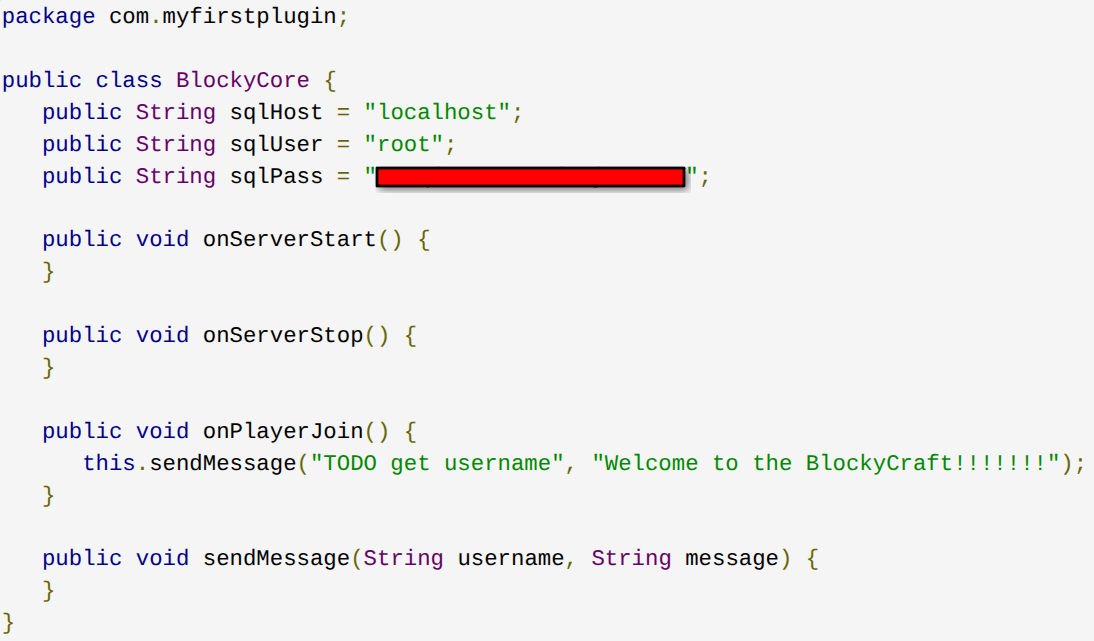
One of the aforementioned files, BlockyCore.jar, when decompiled (such as through this website), revealed a pair of credentials.
Exploitation
The credentials got me administrative privileges for phpMyAdmin, and this allowed access to various databases, including the wordpress one. The latter revealed the only existing user is notch. Nice.
In practice, I do think it’s reasonable to try out a limited but encompassing dictionary attack against exposed usernames, if only as a background task. In this case, for instance, I could’ve used wpscan to do so.
That said, the path of least resistance is to simply change the password through phpMyAdmin itself.
When changing the password, ensure it’s stored as a PHPass hash (by choosing MD5 in the Function drop-down menu on phpMyAdmin).
After a few minutes, we can log into WordPress through the notch user who happens to have administrative privileges. Surprisingly, however, this didn’t immediately lead to anything fruitful like a shell, given that some usually-exploitable avenues like plugins weren’t useful this time around.
Lateral Movement
After 30 minutes or so of looking around, I decided to see if a notch user also existed on the machine itself, and used the same password as the one we discovered earlier. And indeed this was the way.
I SSH’d via notch@blocky.htb, provided the aforementioned password, and got in.
This netted me the User flag.
Privilege Escalation
I then discovered this user was also in the sudo group through the id command, and further confirmed their capabilities through sudo -l, which revealed they are able to do basically anything on the target system, including thereby reading the contents of the /root/ directory, which is typically where the second HTB flag is held.
This netted me the Root flag.
And thus, Blocky was hacked!
Additional Notes
As you saw earlier, there was presumably a Minecraft server running on port 25565, and this server’s configuration files seem to be stored under minecraft/ inside notch’s /home/ directory.
That said, I didn’t try to play on this server, nor did I go back to try to gain a shell through the administrative WordPress account.